Advertisement
Click to download now, finish the installation quickly, and directly unlock the all-round experience
Advertisement
Screenshots
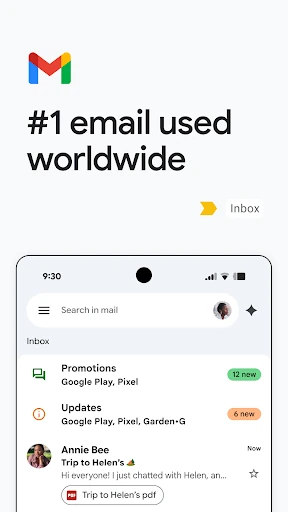
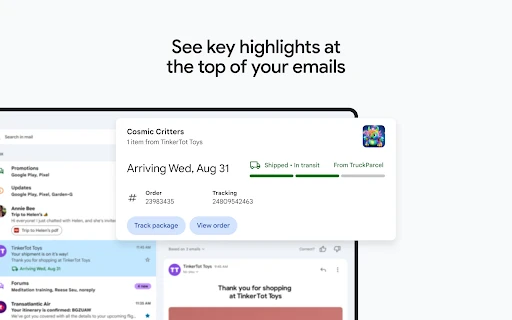
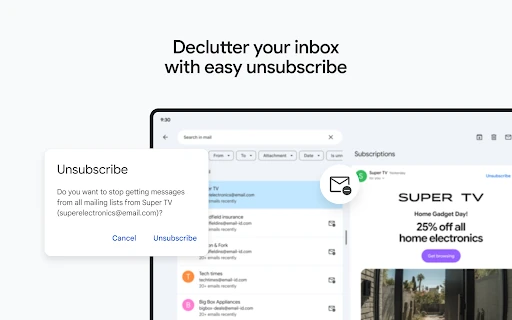
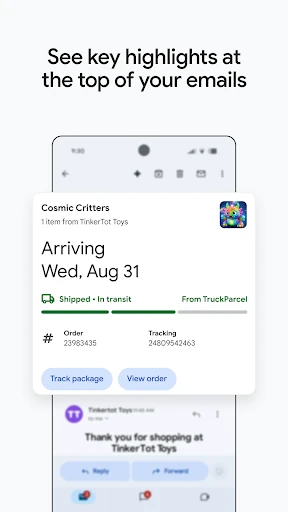
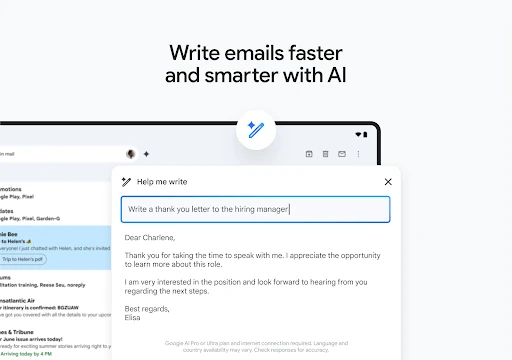



Click to download now, finish the installation quickly, and directly unlock the all-round experience
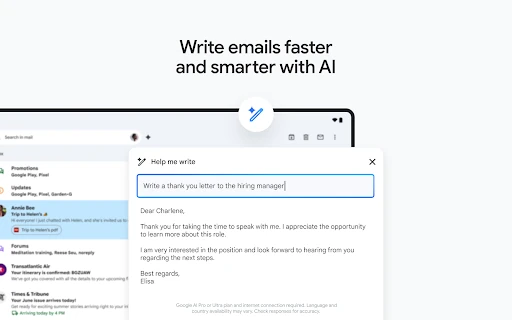
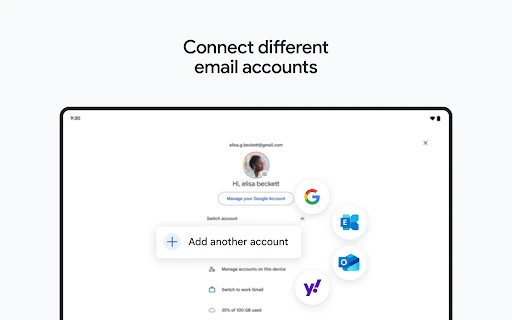
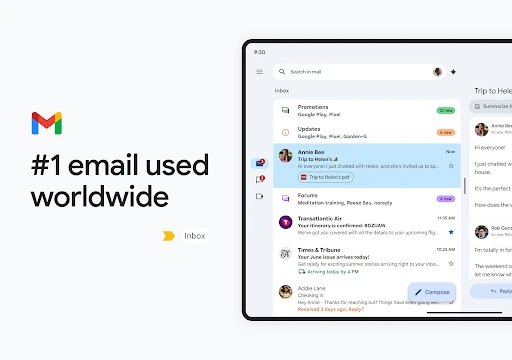
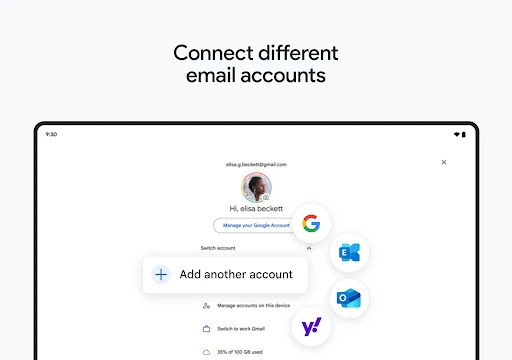
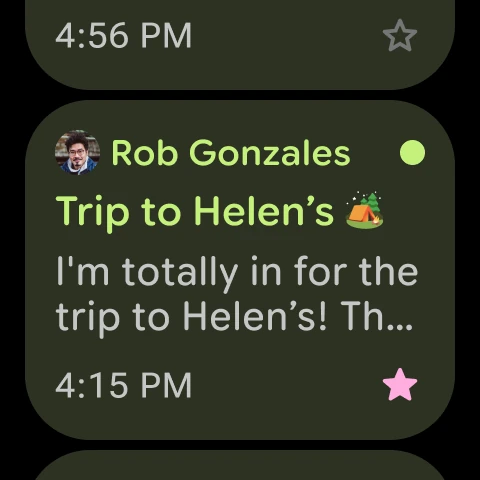
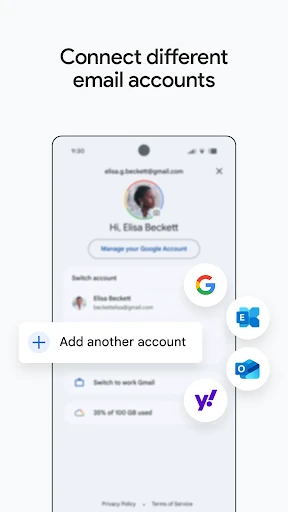
Gmail lets you read, write and organize email on an Android phone. It suits people who use email for personal messages, work or both, especially if they already use Google services. You can manage more than one email account in the app, including accounts from other providers, so checking several inboxes does not have to mean switching apps.
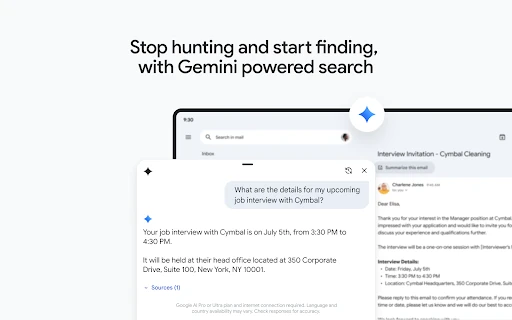
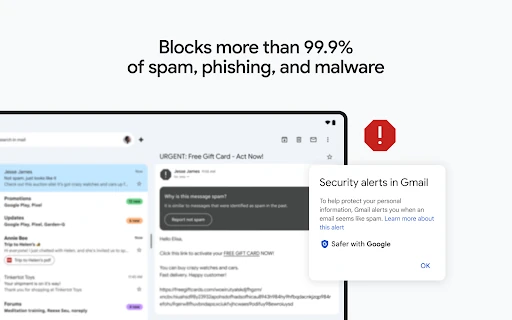
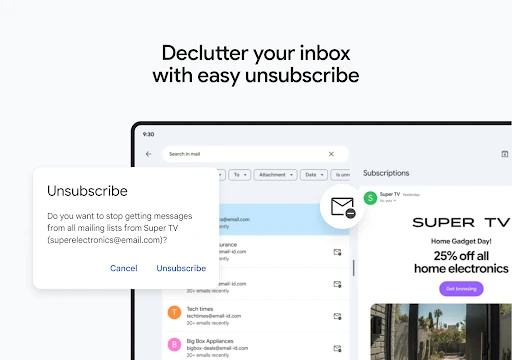
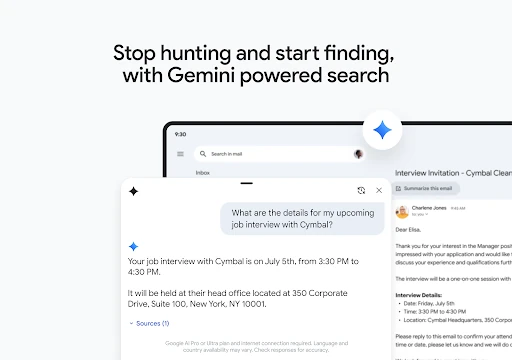
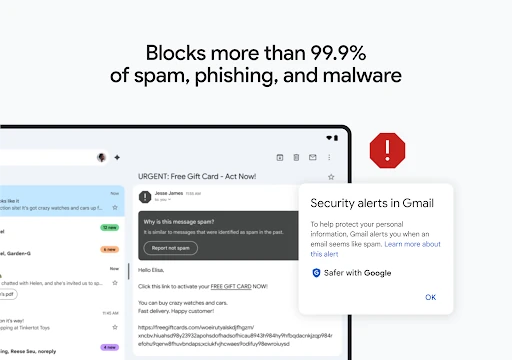
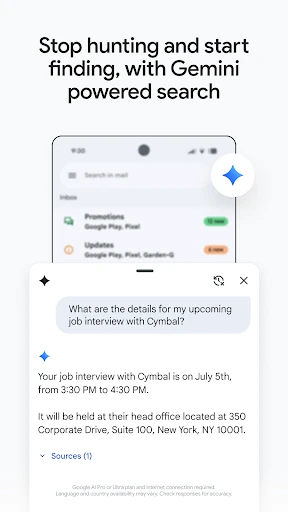
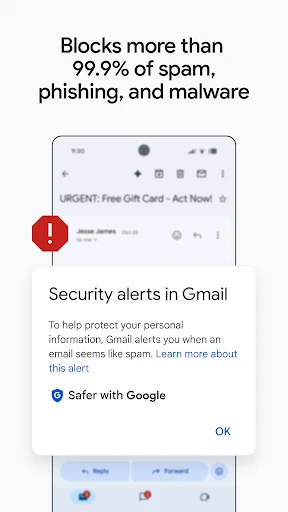
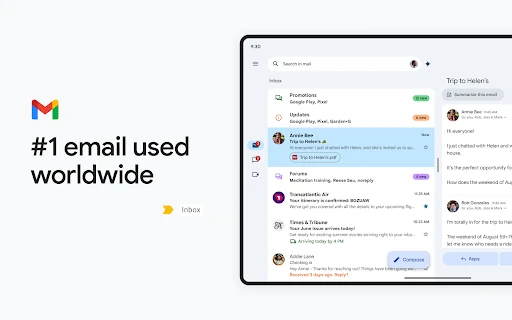
When an inbox gets busy, search can help locate an older message without scrolling through every conversation. Gmail also sorts messages into categories, while spam filtering helps keep unwanted mail separate from the main inbox. For quick upkeep, you can archive messages you want to keep but no longer need in view, or delete messages you do not need.
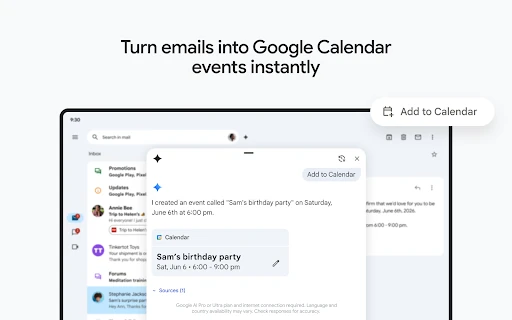
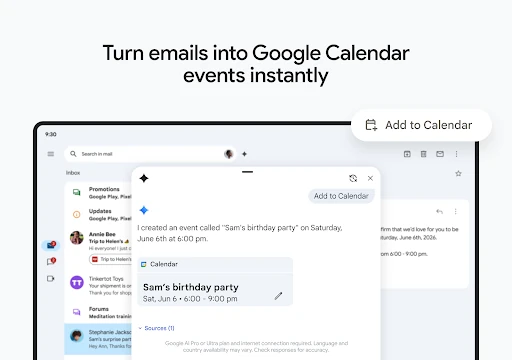
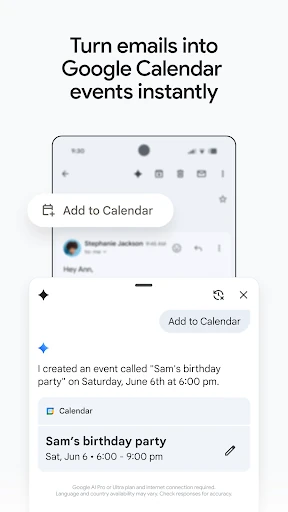
Gmail works alongside Google services such as Calendar and Meet, which can be handy when messages relate to plans or calls. The app is developed by Google LLC. Its broad reach makes it a familiar choice for people who already use a Google account, but the core job remains straightforward: send, receive and find email.
Gmail has more than 10 billion installs and a rating of 4.1 from about 14.2 million ratings. Those figures show that it is widely used, though they do not tell you whether its layout or features will suit your own routine. If your task is managing email on Android, it is a practical option to compare with a couple of other mail apps.