
QuickEdit Text Editor
Rhythm Software
Downloads
10,000,000+
Source
Google Play
Advertisement
Click to download now, finish the installation quickly, and directly unlock the all-round experience
Advertisement
Screenshots
Click to download now, finish the installation quickly, and directly unlock the all-round experience
QuickEdit Text Editor is for people who need to change plain-text files on an Android phone or tablet, from notes and logs to programming files. It combines a general text editor with code-focused tools, so it can suit occasional file edits as well as working through snippets or source code away from a computer.
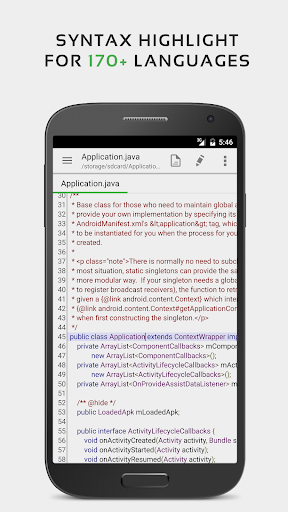
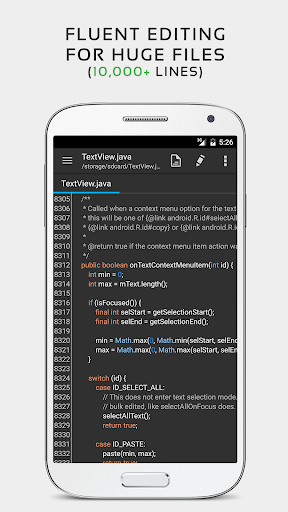
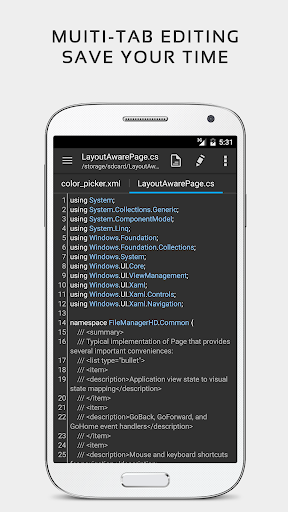
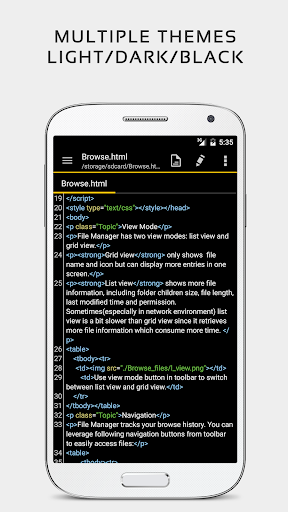
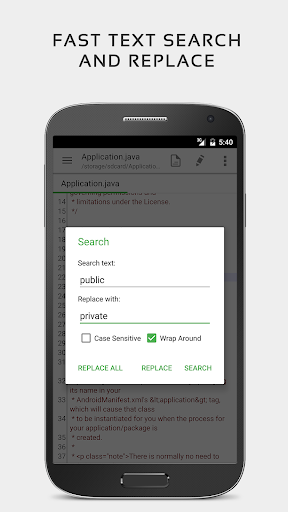
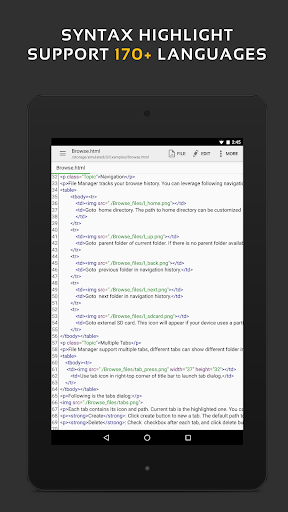
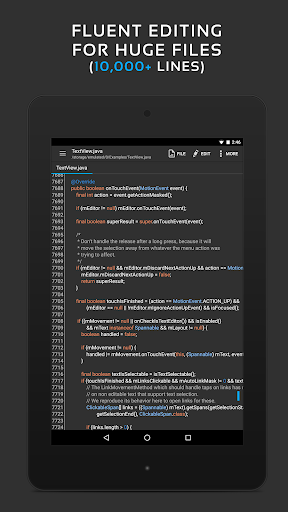
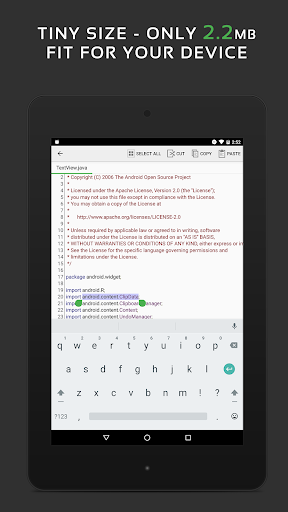
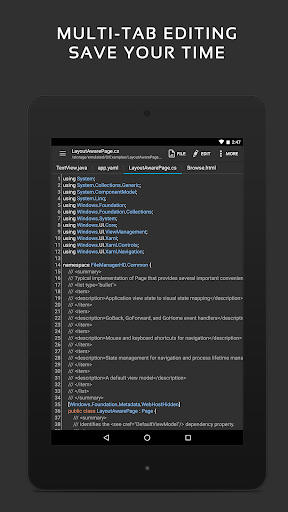
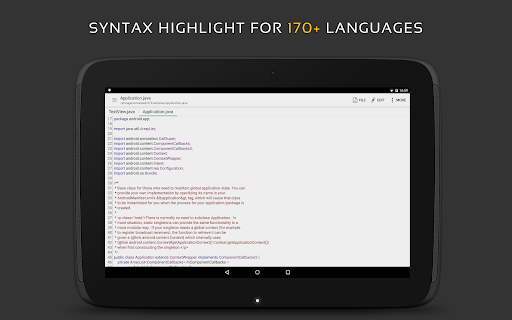
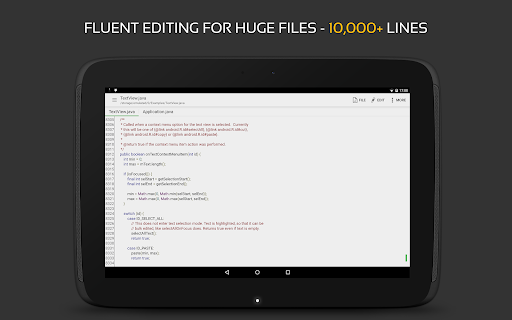
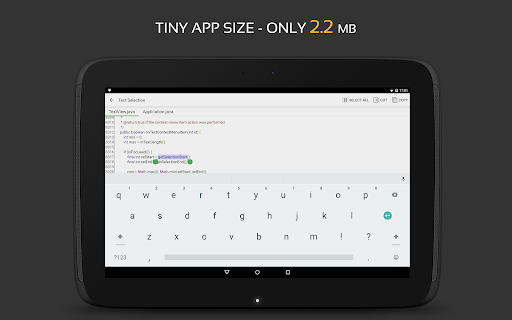
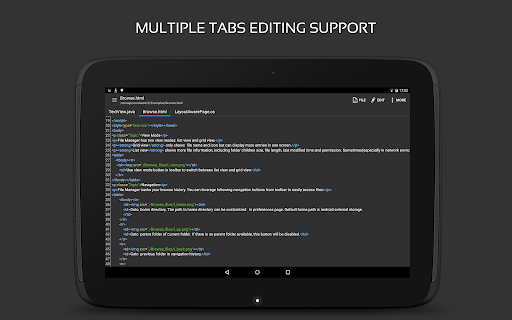
The editor provides syntax highlighting for more than 170 languages, including Java, Python, JavaScript, C++ and Markdown. It can handle files with more than 10,000 lines, and offers line numbers, line-jump navigation, indentation controls, and search and replace. Multiple open files can be kept in tabs; undo and redo help when an edit needs to be rolled back.
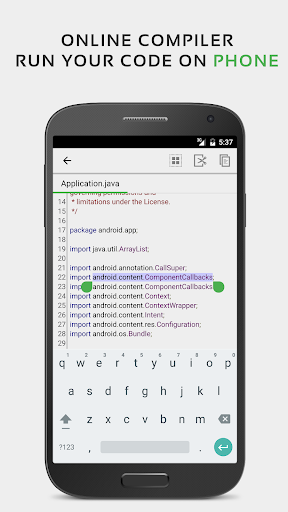
For supported work, QuickEdit can also compile and run code in over 30 languages. It can preview HTML, CSS, Markdown and AsciiDoc files. These features make it more useful for coding and markup tasks than a basic notes app, though it remains centered on editing text rather than being a full desktop development environment.
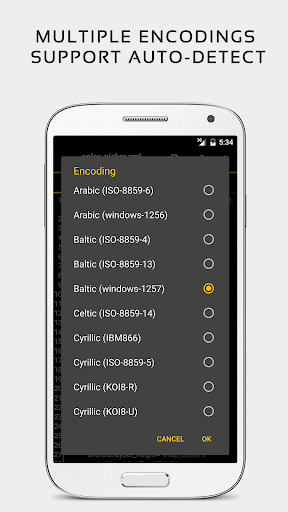
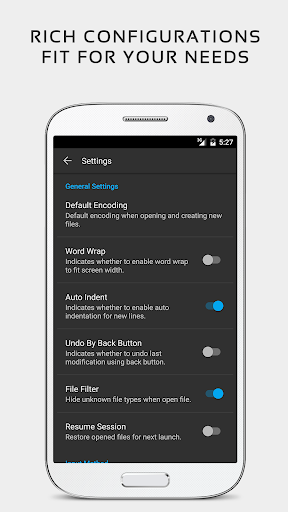
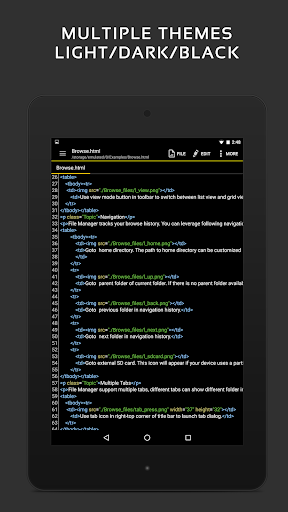
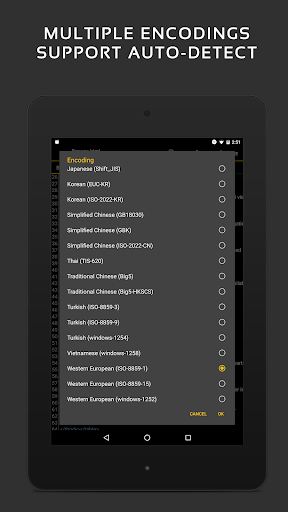
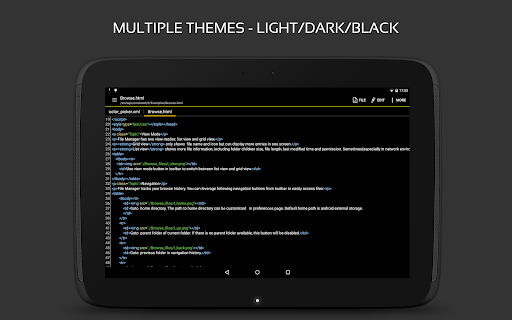
QuickEdit can open files from recent-file lists and connect to services including Google Drive, Dropbox, OneDrive and FTP. It detects text encoding and supports physical keyboards, which can make editing on a tablet with a keyboard more practical. Appearance options include light and dark themes, with adjustable font sizes.
Choose QuickEdit if your task is to inspect or revise text and code files on Android, especially when you need syntax highlighting, file navigation or support for larger documents. For simple notes alone, a lighter notepad may be enough.