Keep app installers, not app data
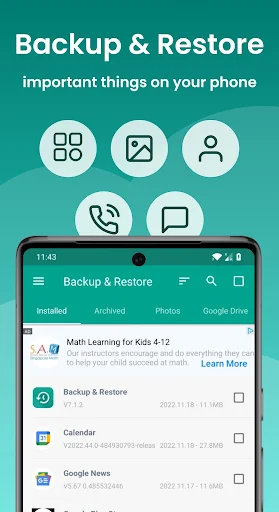
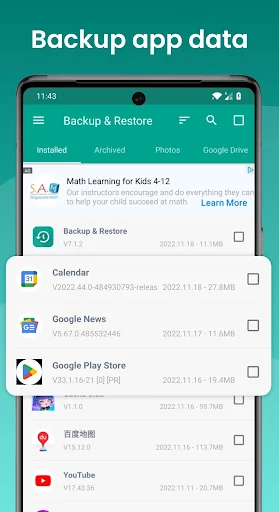
Backup and Restore - APP saves APK files from installed apps so you can keep installers for apps you rarely use, move them off your phone, or share them with another Android device. It suits people who want to preserve an app file or a previous version without keeping the app installed.
It backs up and restores APK files only. It does not save an app’s personal data or settings, so restoring an APK does not bring back your game progress, messages, or preferences. You can restore only files that were backed up beforehand.
Choose where to keep copies
Backups can be stored in the phone’s internal storage, on an SD card, or on USB storage. The app also supports uploading and downloading files through services such as Google Drive and Dropbox. Cloud storage is not available for automatic backups, so choose a local destination for that feature.
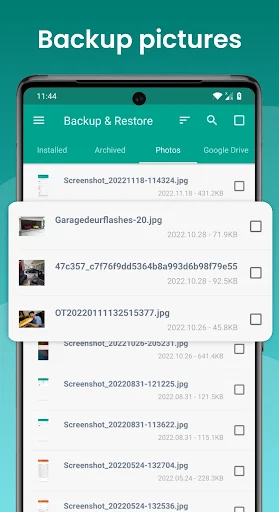
Batch actions let you handle several APKs together. You can also send and receive APK files wirelessly, including through a private Wi-Fi hotspot. The app supports photo backup and sharing as well, though its main purpose is managing app files.
Useful when versions matter
If you keep more than one backup of an app, you can retain different versions rather than replacing every copy with the latest release. The app can overwrite or downgrade an installed version, which may help when an update causes trouble. Check that you have the right APK before restoring; an installer is not a substitute for the app’s own data backup.
What to expect
Backup and Restore - APP is published by Trustlook Security Lab. It has a 3.1 rating from about 241,000 reviews and more than 10 million installs. Those figures suggest broad use, but the modest rating is worth weighing if you need a dependable archive. In particular, keep important backups somewhere safe before resetting or replacing your phone.