Advertisement
Click to download now, finish the installation quickly, and directly unlock the all-round experience
Advertisement
Screenshots
Click to download now, finish the installation quickly, and directly unlock the all-round experience
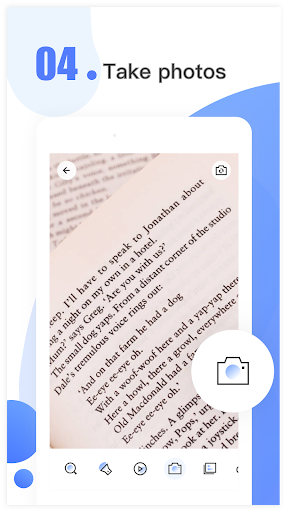
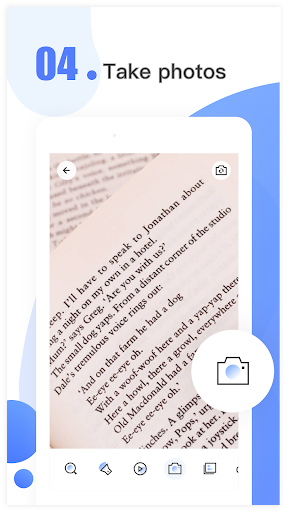
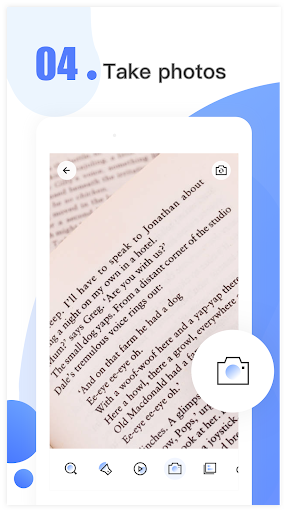
Magnifying Glass uses your phone’s camera to make nearby text and objects easier to see. It suits anyone who needs a quick closer look at a medicine label, a small-print instruction, a device serial number or another detail that is hard to read unaided. It may also help with hands-on tasks such as inspecting small components, though it is not a substitute for a microscope.
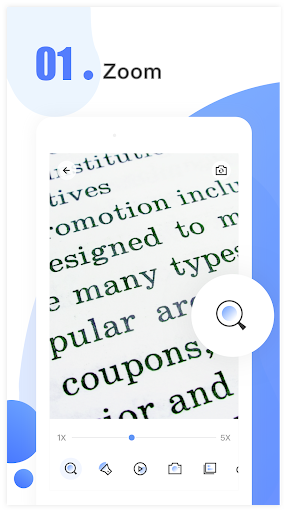
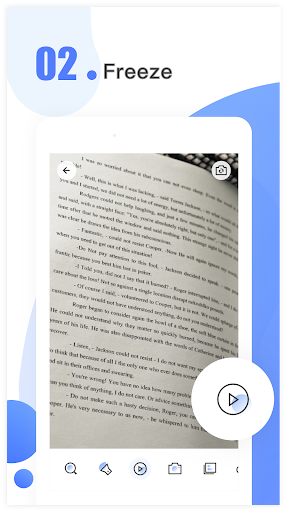
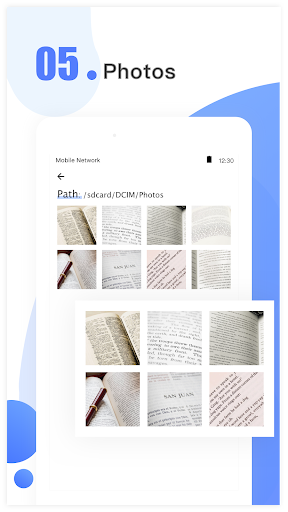
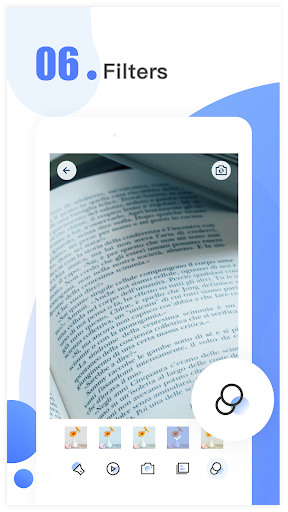
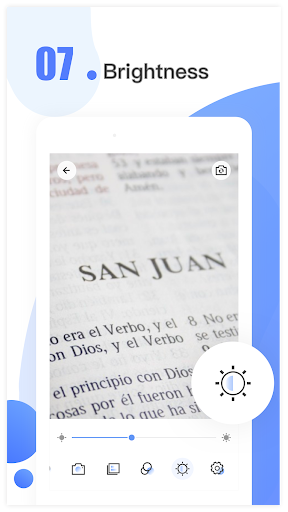
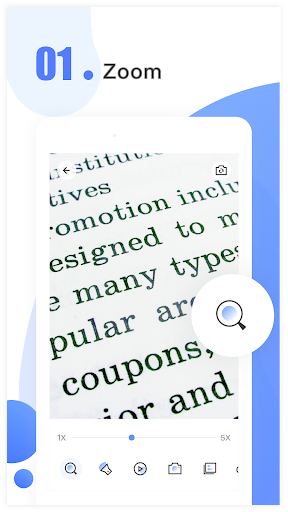
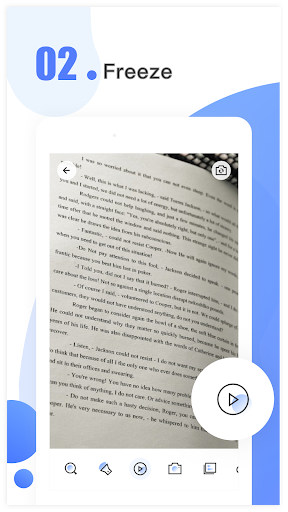
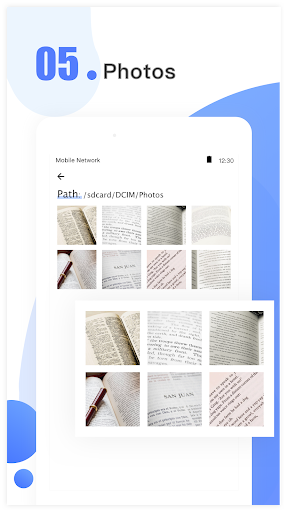
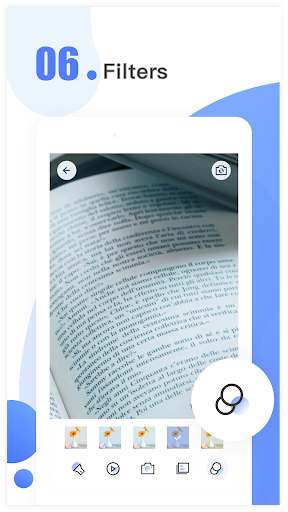
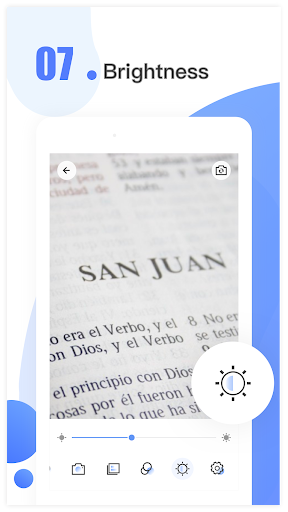
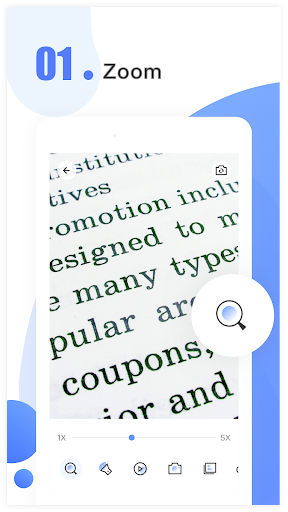
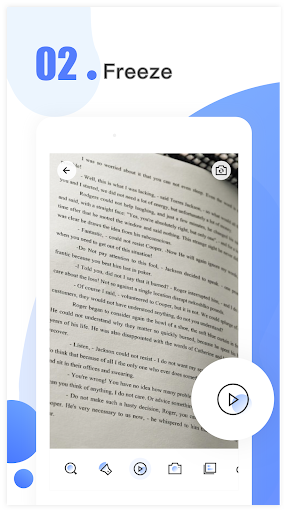
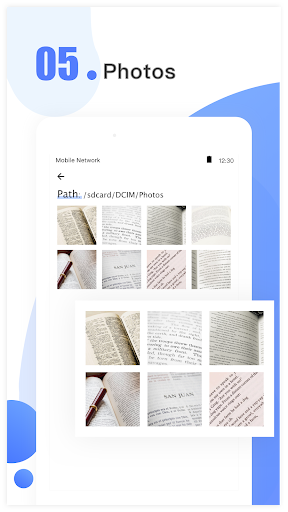
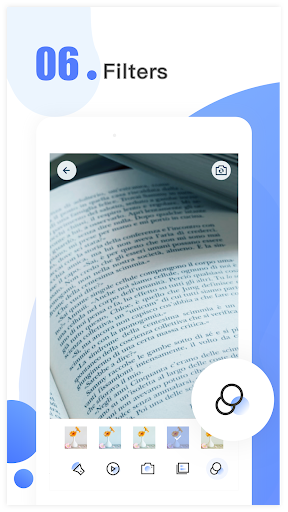
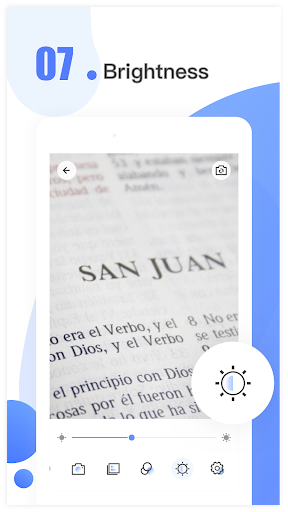
Zoom in or out with your fingers, then freeze the view if you need more time to examine it. You can take a magnified photo and return to saved photos later, including to share or delete them. Screen brightness controls and visual filters offer ways to adjust the display to the situation.
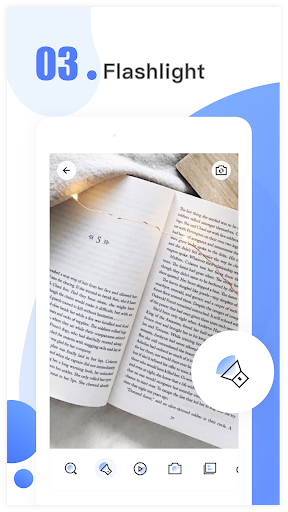
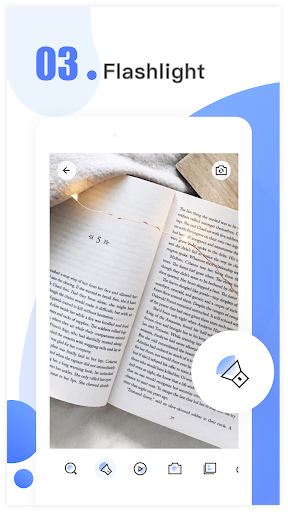
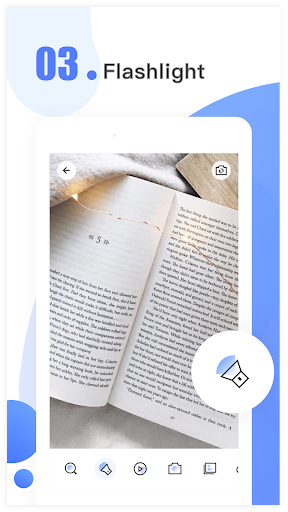
The app can use the phone’s flashlight to illuminate what the camera is viewing. That can be handy for reading a label in a dim room or checking something in a darker spot. The camera-based view is most useful when you can hold the phone steady and bring the object within a clear viewing distance; results will depend on your phone’s camera and lighting.
Magnifying Glass is a focused tool rather than a full accessibility suite: its core job is enlarging a live camera view, with controls for zoom, light and saved images. If you need text recognition or spoken reading, those are not features described here, so compare it with apps built specifically for those tasks.